How to Remove a Fake Google Review of Your Dental Practice
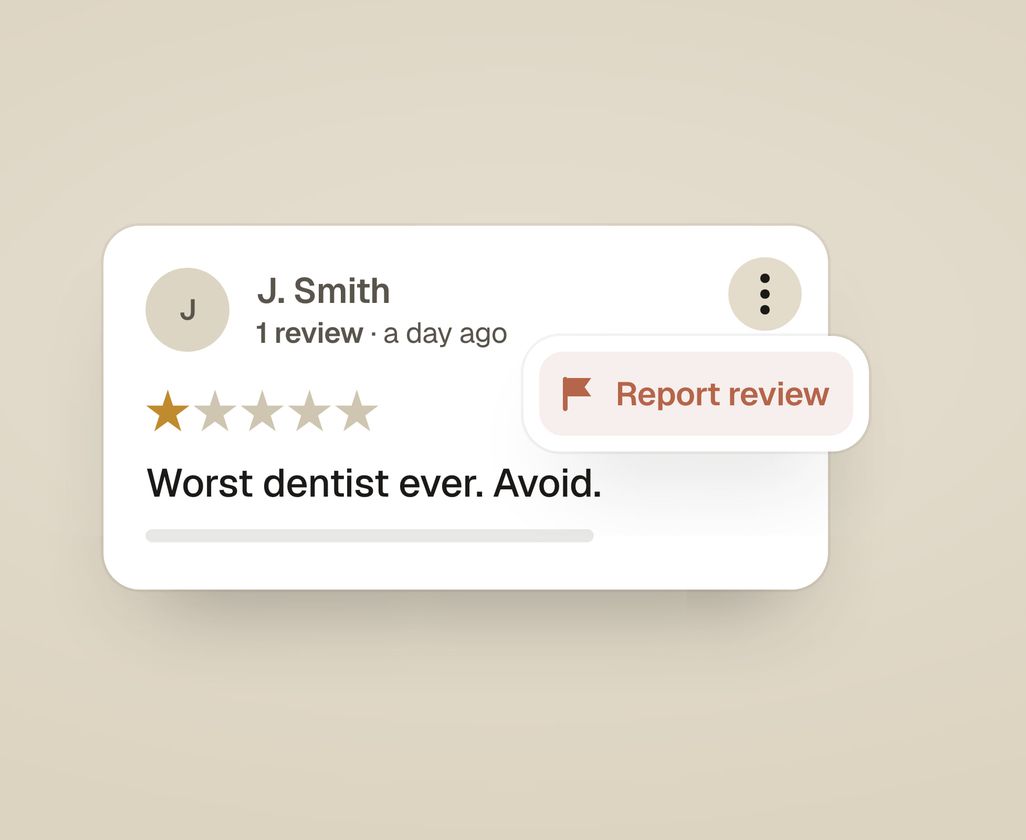
You can’t delete a Google review yourself. Instead, you ask Google to remove it. Open your Google Business Profile, find the review, click the three-dot menu, and choose Report review. Google only removes reviews that break its content policies, such as fake, off-topic, or abusive ones. A real review you disagree with stays up. Removal usually takes a few days.
What counts as a “fake” review Google will actually remove?
Google removes reviews that break its content policies. A review can be removed if it’s fake or posted by someone who was never a patient. Google also removes off-topic reviews, spam, and reviews with a conflict of interest, such as one from a competitor or an ex-employee. It also removes reviews with abuse, hate speech, or someone’s private personal details.
A one-star rating from a real patient who was unhappy with a wait or a bill is not “fake,” even if you think they’re being unreasonable, and Google will not take it down. What Google does remove is content that violates its rules: a review from someone who never visited, a rant about politics rather than your practice, spam with links, a smear from a competing practice, or a one-star review posted by a former employee.
Before you report anything, ask which specific policy the review breaks. Naming the real violation (“this person was never a patient” or “this is a competitor”) makes your report far stronger than a vague “this is unfair.”
Can you delete a Google review yourself?
No. There is no button that lets a practice delete a review someone left. The only thing you can delete is your own reply to a review. Everything else goes through Google’s reporting and removal process, and Google makes the final call.
So your options are two: report the review for removal if it breaks a policy, and reply publicly in the meantime. Often the right move is to do both.
How do you report a fake Google review, step by step?
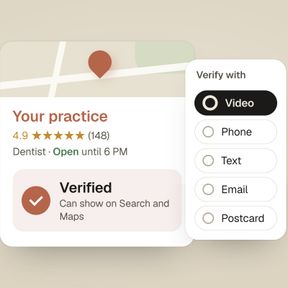
Reporting takes a couple of minutes. These steps use the Google interface as of 2026. You’ll need to be signed in to the Google account that manages your Business Profile. If you haven’t claimed and verified your listing yet, do that first with our guide on how to verify your Google Business Profile.
- Sign in to the Google account that owns your Business Profile. This is the account used to claim the listing. If a former office manager or an agency set it up, find out which account has access.
- Open your reviews. On a computer, search your practice name on Google while signed in, or type
my businessinto Google Search. Your profile management panel appears at the top. Click Reviews (sometimes shown as Read reviews). On a phone, open the Google Maps app, tap your profile picture, choose Your Business Profile, then Reviews. - Find the review you want removed. Scroll to it in your list of reviews.
- Click the three-dot menu beside the review, then choose Report review (it may read Flag as inappropriate).
- Select the reason that matches the violation, for example “Not based on a genuine experience,” “Off topic,” “Conflict of interest,” “Spam,” or “Harassment.” Pick the one that truly fits.
- Submit the report. Google confirms it received it. You won’t get an instant decision: the review stays visible while Google’s team or systems review it.
- Track the outcome. Use Google’s review management tool to check the status of your reports. You can also appeal there if a review isn’t removed. To find the tool, search “Google report a review for removal” and open the Help Center link.
Removal typically takes a few days, though it can stretch to a couple of weeks. Google doesn’t always email you the result, so check the status yourself.
What if Google won’t remove the review?
If your first report is declined, you can escalate: appeal the decision through Google’s review management tool, or contact Google Business Profile support directly. Clear evidence matters, but Google can still decline if the review doesn’t clearly break a policy.
When you appeal, be specific and factual. State which policy the review breaks and why. Include any evidence you have. For example, several reviews may use the same wording, the reviewer may be linked to a competing practice, or the name may not be in your patient records. A threat like “This review is defamatory and I’ll sue” won’t help with a support agent. A fact like “We have no record of this name in our scheduling system” is far more useful.
If the reviewer is, or might be, a real patient, don’t send Google their chart, visit dates, or treatment details to argue the point. A report is not a reason to disclose patient information.
If a review is genuinely defamatory (false statements of fact that damage your practice, not just a negative opinion), that becomes a legal matter beyond Google’s content policies, and you may need to talk to an attorney. That’s rare, and it’s a last resort.
Should you reply to the fake review while you wait?
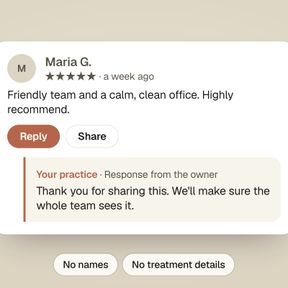
Yes. Post a calm, brief public reply even while the report is pending, because removal is slow and uncertain, and the reply is what prospective patients see in the meantime. You’re writing for everyone who reads it later.
Something like: “We take every concern seriously and would like to talk. Please call our office manager at [phone].” That reads as attentive and reasonable, without accusing anyone.
Don’t say in public whether the reviewer is or isn’t a patient. Even “we have no record of you” tells readers something about who is in your records, and under HIPAA a reply can count as disclosing patient information. Keep the public reply neutral and give Google your evidence privately, in an appeal through the review management tool or to Business Profile support. HIPAA-safe wording for good reviews and complaints is in our guide on how to respond to Google reviews.
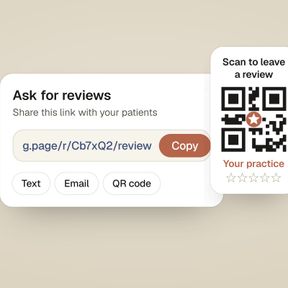
The best defense against one fake review is a lot of real ones. New real reviews make the fake one matter less and bring your average rating back up. The simplest way to get them is a review link the front desk texts to every patient after a visit. Our guide on how to get a Google review link shows where to find it.
How we help with reviews
On our Google Business Profile service, we report reviews that break Google’s rules and answer every review. We also set up a review request your front desk sends every patient.
The audit compares your rating, how many reviews you have, and how recent they are with the top three practices near you on Google. It shows what to fix first. Get my practice audit.