Google Business Profile
Set up, verify, optimize and troubleshoot the Google listing patients see first: reviews, replies and fixes.
-
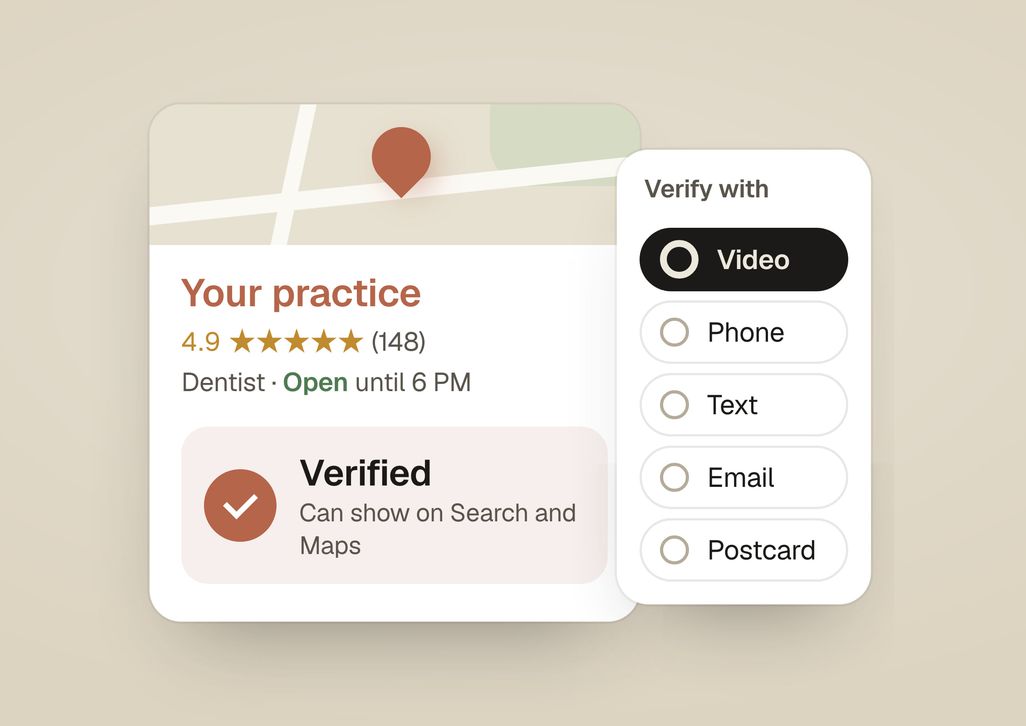
How to Verify a Dental Practice’s Google Business Profile
How to verify your Google Business Profile: sign in, hit Get verified, and complete the method Google offers, whether video, phone, text, email, or postcard.
Read the guide → -
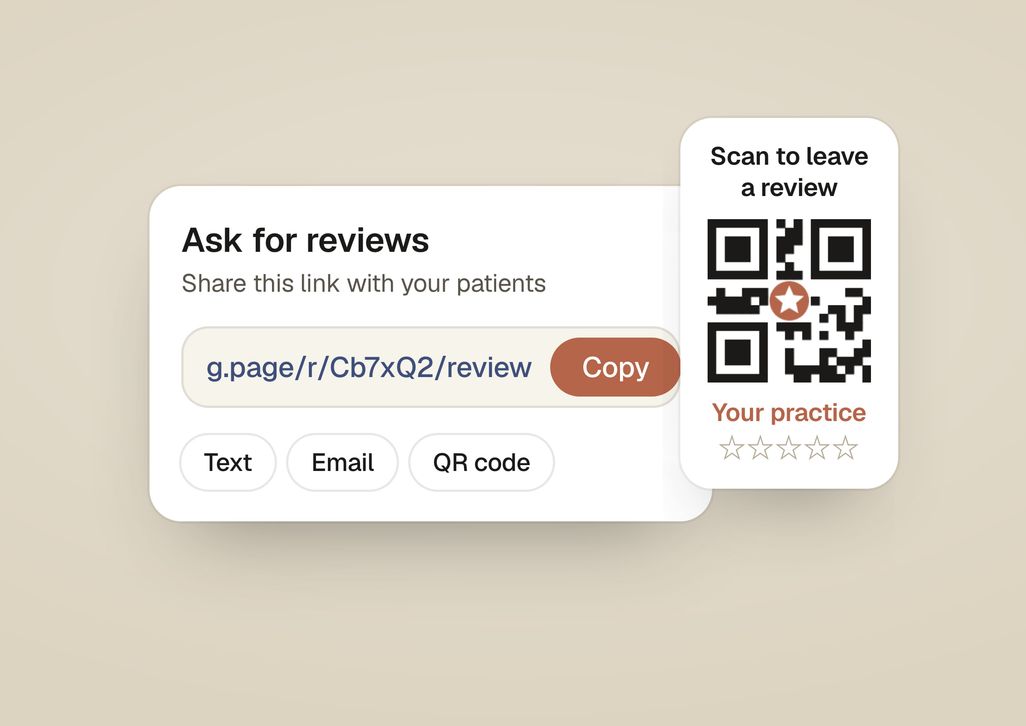
How to Get a Google Review Link for Your Dental Practice
Get your Google review link in under a minute: open your Business Profile, click Ask for reviews, and copy the short link to text, email, or print as a QR code.
Read the guide → -
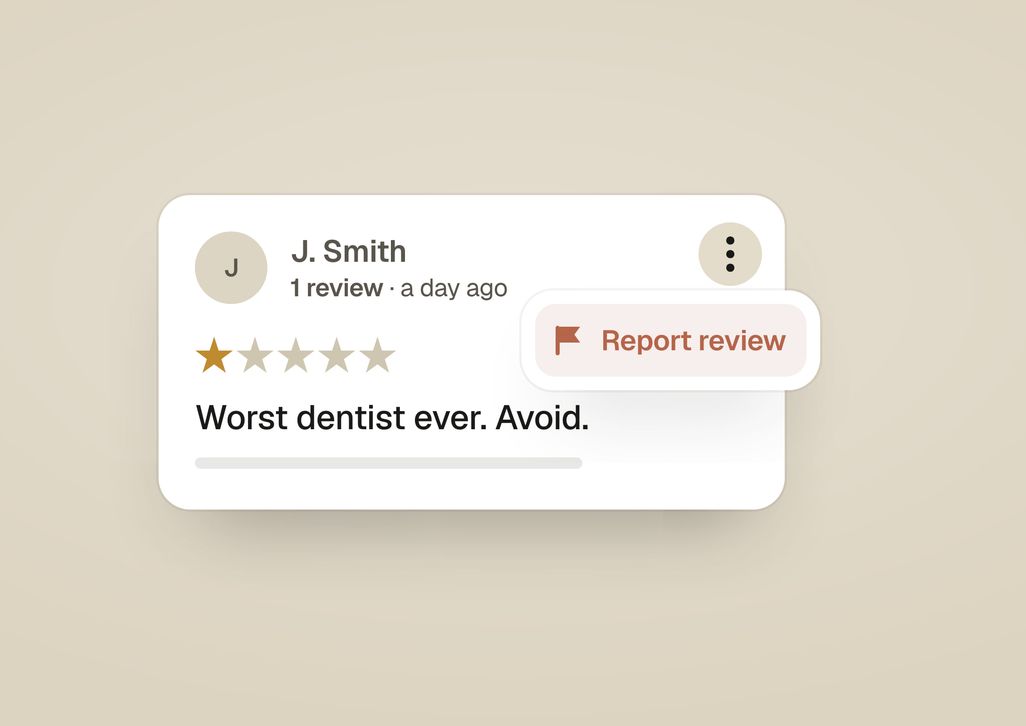
How to Remove a Fake Google Review of Your Dental Practice
You can't delete a Google review yourself. You report it. Which reviews Google actually removes, how to flag one step by step, and what to do while you wait.
Read the guide → -
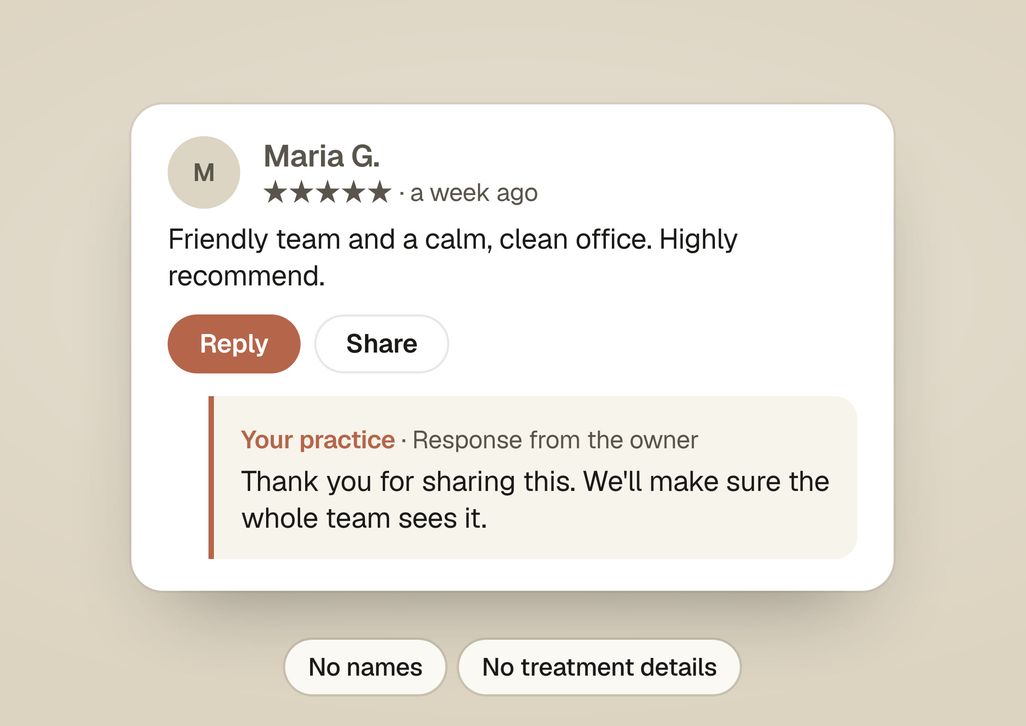
How Dentists Should Respond to Google Reviews Without Breaking HIPAA
How a dental practice responds to Google reviews, good and bad: where the Reply button lives, what to say, how to handle criticism without arguing, and how to reply without a HIPAA problem.
Read the guide →
Tell us about your practice
Ask about a plan, a website or anything else.

- Aditya reads every message. He plans the work and does it, with a small team.
- A reply the same day. By email, from hello@studiosmirk.com.